
If you need to record GPS point data for QGIS using an Android mobile device, then Mergin Maps might be the best solution for you. With its simple interface and powerful QGIS core engine, Mergin Maps makes it fast and easy to record spatial data with your mobile phone.
About the Mergin Maps App
The Mergin Maps app combines a straightforward user interface, designed for easy mobile data collection, on top of the powerful QGIS core. The app is able to access your mobile phone’s GPS location and metadata to record accurate spatial data for a QGIS project. You can also take photos or add them from your device gallery to add images to your spatial data. This gives users a mobile-friendly experience with all of the powerful features that QGIS has to offer. Many users who are not GIS experts find that the app is straightforward to use and only takes a few minutes to learn how to record data after they begin using the app.
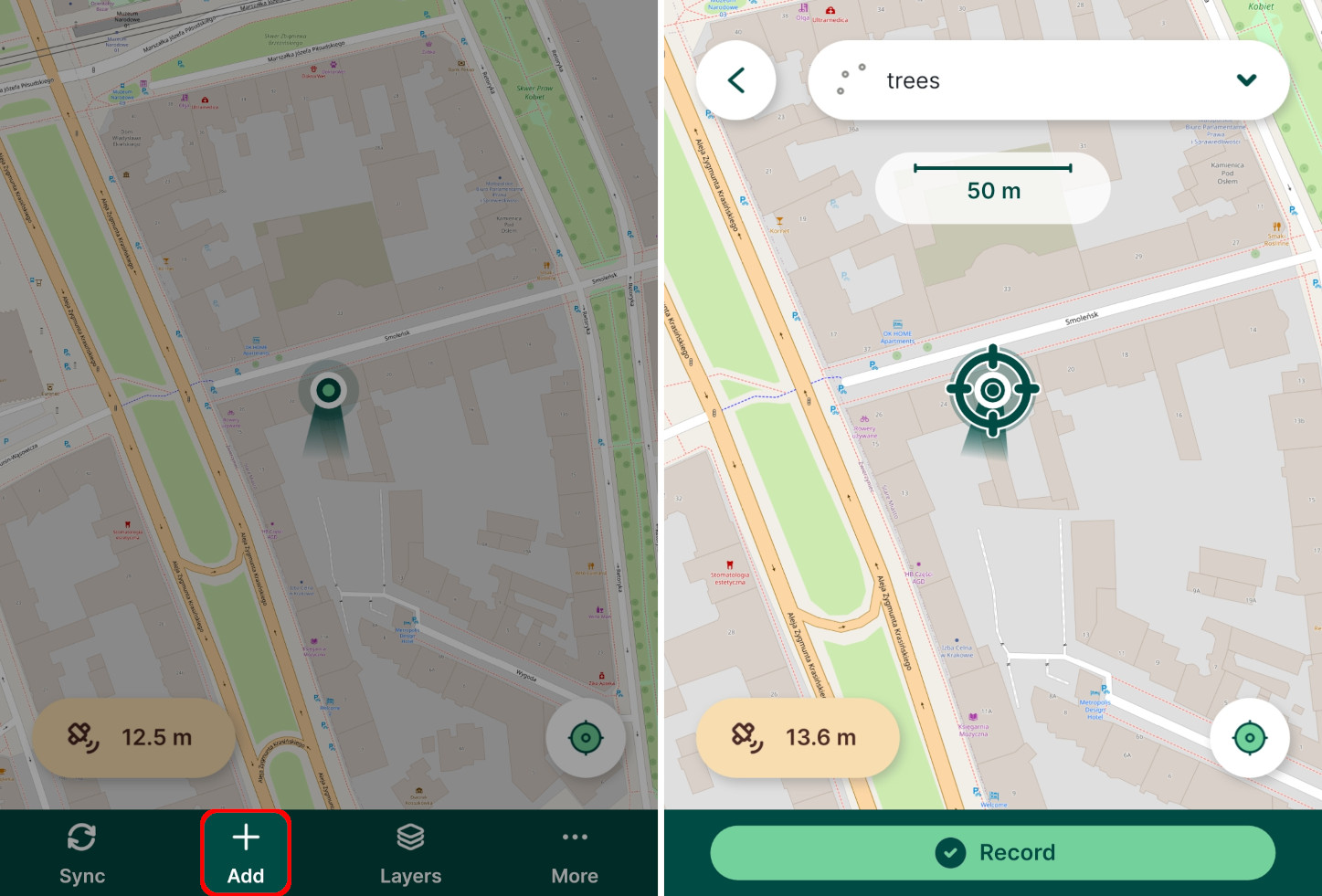
The simple interface isn’t the only benefit of using Mergin Maps to collect data for your QGIS project. The integration of the QGIS core within the app means that you can set up advanced GIS workflows using the Mergin Maps platform. The reliable synchronisation between the app and Mergin Cloud means that your data can be shared for collaboration with other users on your team, even if you are working offline. Users who don’t have access to a mobile data connection can still record data on their phones and synchronise again when they have a connection. The mobile data will be saved and any changes made to the project by other users will also be downloaded to their device so they have the latest version of the project.
How it works
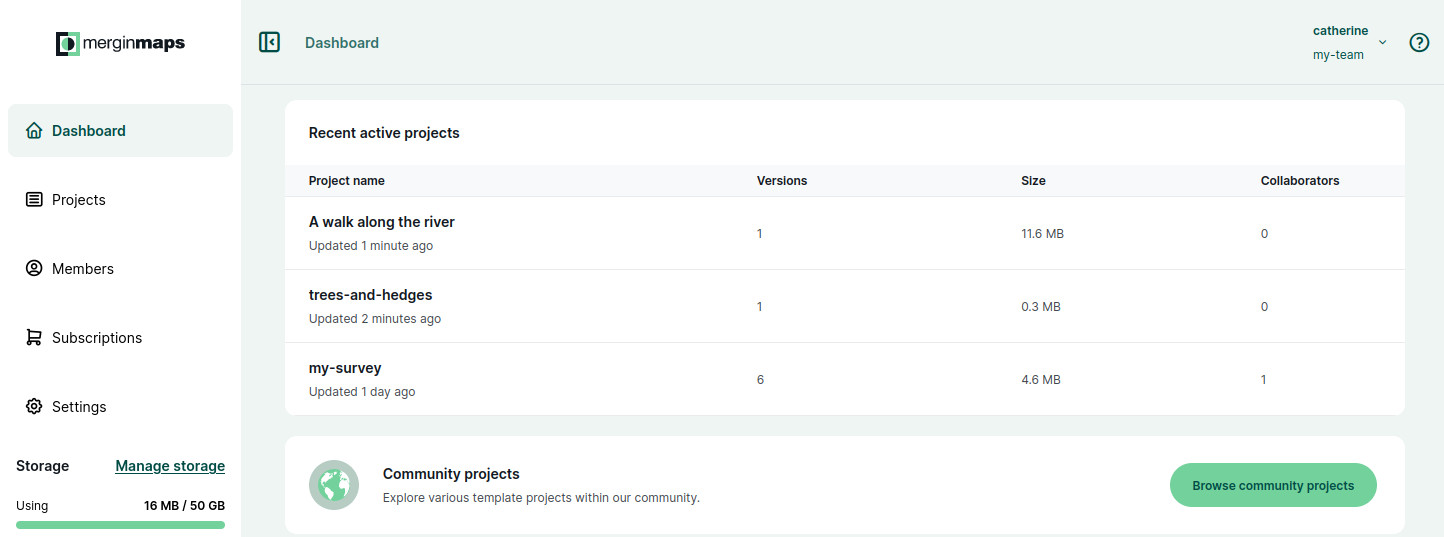
The Mergin Maps platform is designed to help you seamlessly transfer data from your mobile device to a desktop QGIS project. The platform consists of three main components; the Mergin Maps Mobile App, Cloud and QGIS Plugin. Creating an individual account on Mergin Maps is free, but you need to have a Workspace to store projects. If you are new to Mergin Maps, you can start with a free one-month trial before choosing from one of our affordable subscription plans. You can also download our free Community Edition if you are confident to run your own cloud server. Once you have an account and Workspace, you are ready to start collecting your GPS data. To begin collecting data, you need to:
- Create a QGIS project - You can make a basic project using the Mobile App or design a more complex project in QGIS
- Upload the project to the Mergin Cloud - Once you create your project, you can use the app or QGIS plugin to upload it to the Mergin Cloud
- Record the data in the field
- Synchronise your recorded data to the cloud
- Download or synchronise the project with the Mergin Maps QGIS Plugin to view your recorded data
It really is that simple. If you want to start collecting data on your Android device, check out our Quick Start Guide for detailed instructions that could help you start recording your first features in under 30 minutes!