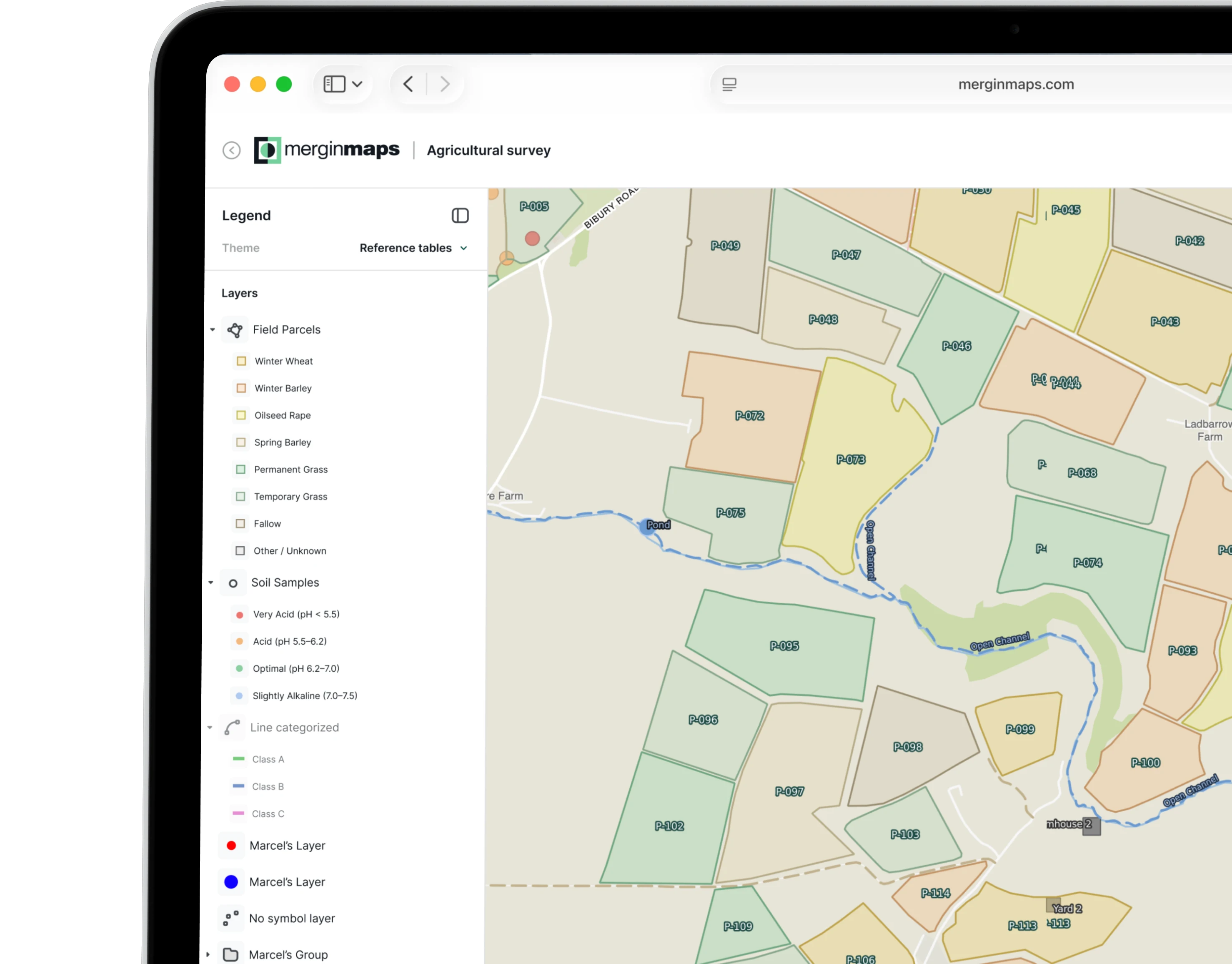
Mergin Maps lets your team work on the same QGIS project. Upload it, invite colleagues and sync with one click. Edits merge automatically, every version is saved, and no more emailed files or USB sticks.
Open the latest version of your project in the office, at home or on site. One click in QGIS sends your changes and downloads everyone else's – between any number of computers, phones and tablets.
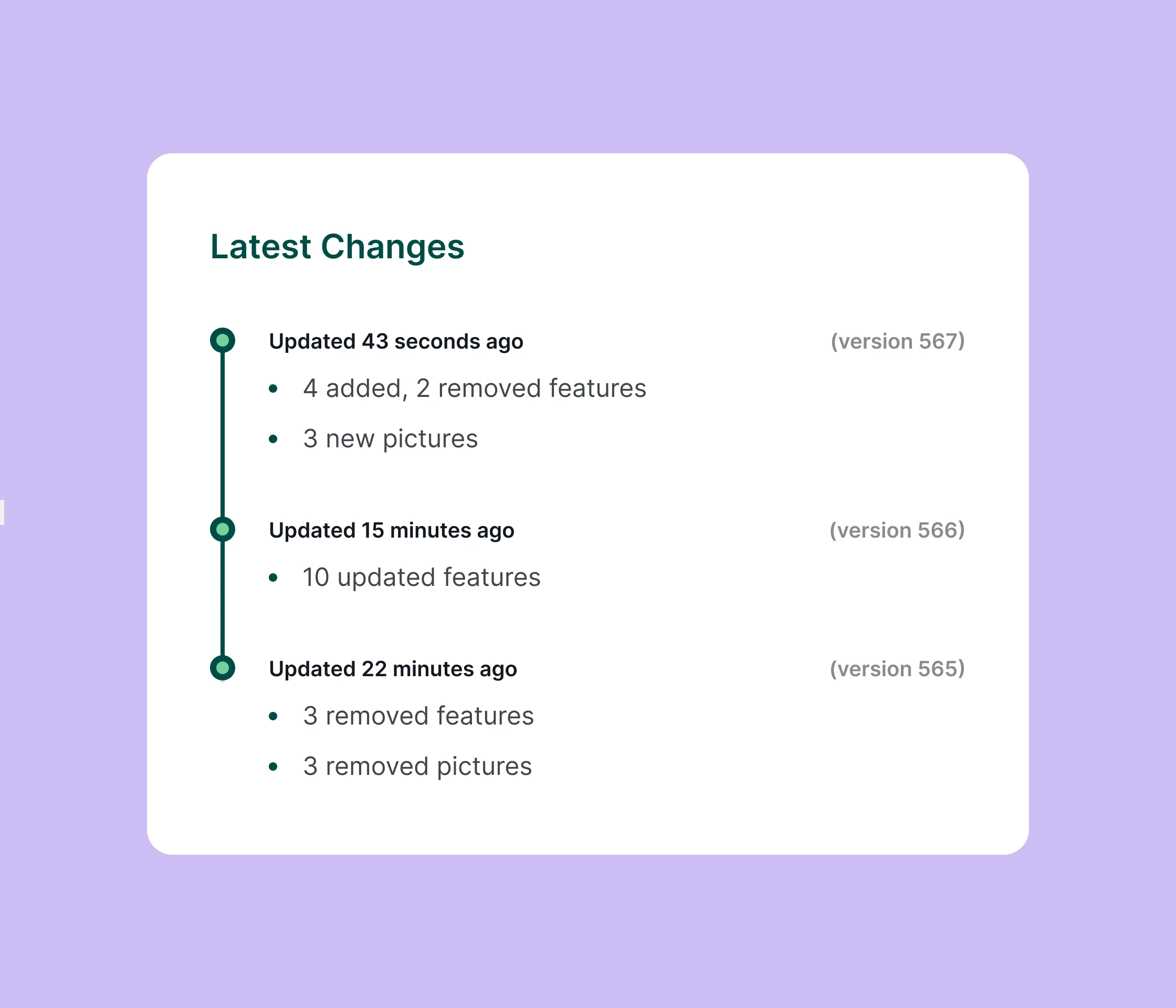
Several people can edit the same layer. When they sync, Mergin Maps merges the changes automatically and saves a new version of the project, so you always see who changed what – and can go back.
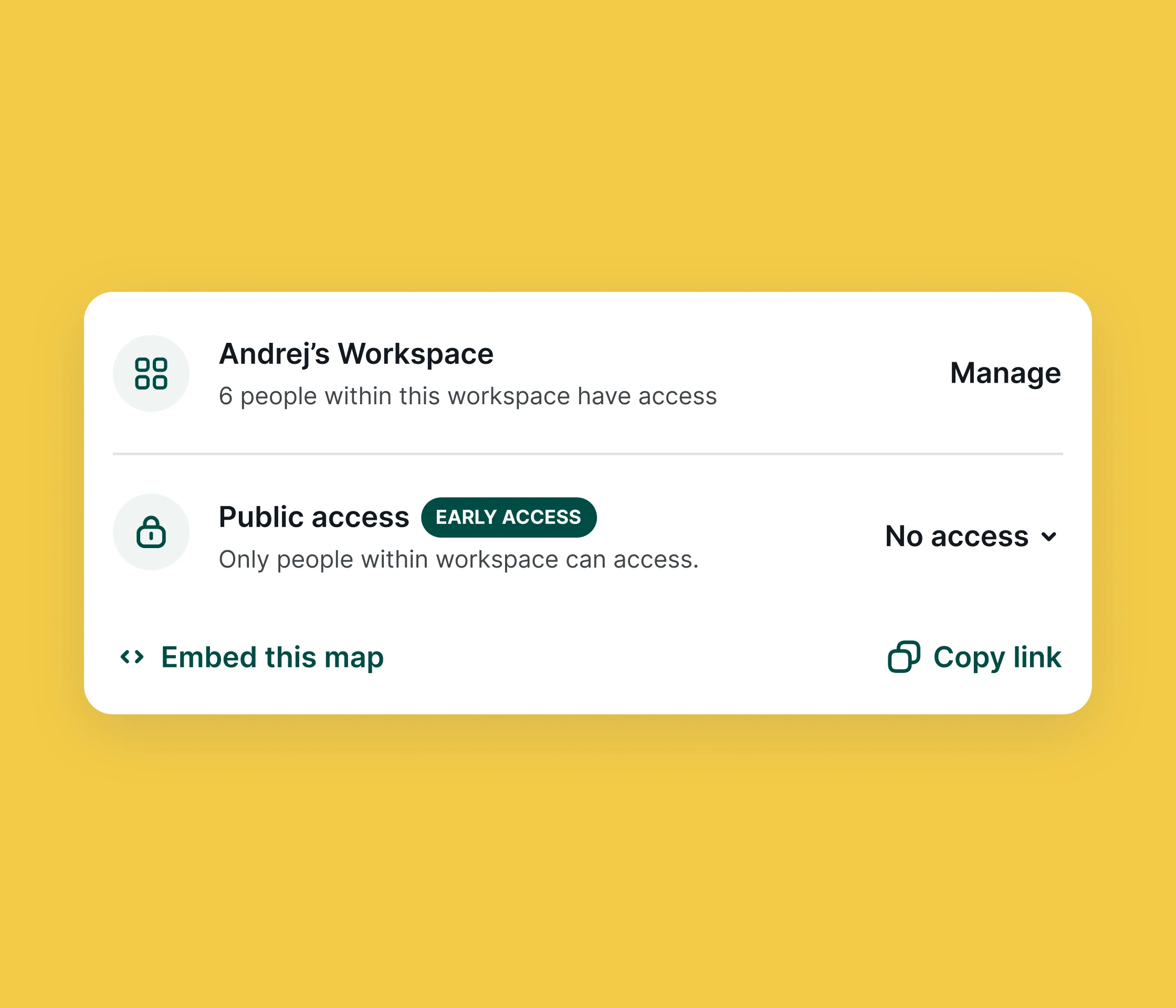
Give each colleague the right role – view only, edit data, or manage the whole project. Keep projects private to your team or share them with partners and clients.


Yes. Several people can edit the same project and even the same layer at the same time. Their changes are merged when they sync. It is not live co-editing like Google Docs – you see your colleagues' changes after you sync. Changes to the project setup (layers, symbology, forms) are not merged, so agree in your team who changes those, and ask others to sync before and after.
Install the Mergin Maps plugin in QGIS, upload your project and invite your colleagues by email. They open the same project in their own QGIS with the plugin, or on a phone or tablet with the Mergin Maps app. There is no server to set up.
Install the Mergin Maps plugin on both computers, upload the project from the first one and download it on the second. From then on, click Sync on either computer to send your changes and get the latest version.
Yes. Every sync creates a new version of the project, so you can see who changed what and when, and go back to a previous version if needed. See more here: https://merginmaps.com/product/project-history
Shared drives sync whole files, so when two people save the same project, the last save wins and the other person's work is lost. Mergin Maps tracks changes inside your GeoPackage layers, merges edits from different people and keeps a full version history.
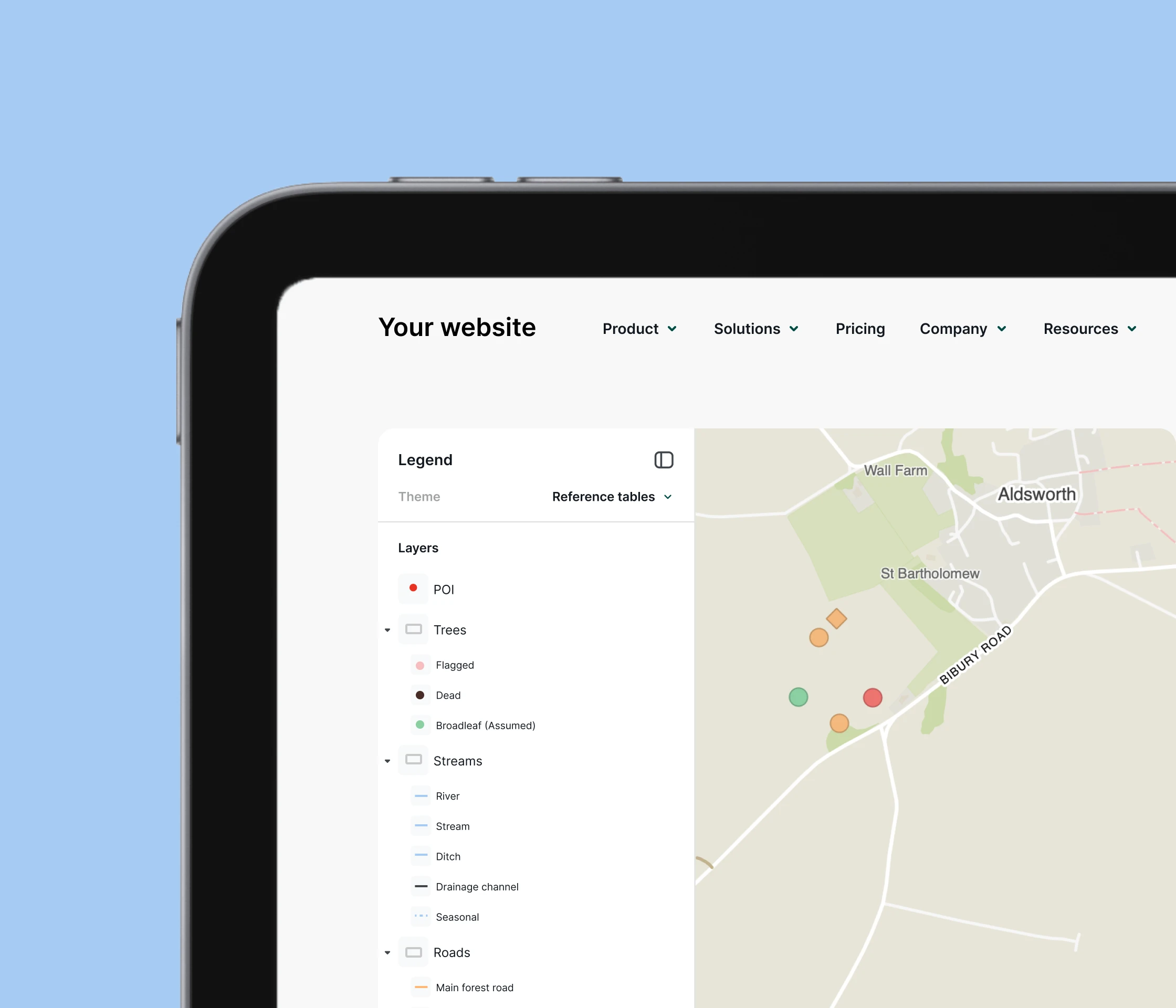
Yes. You can publish your QGIS project as a web map and share it with a simple link or embed it on your website.
No. Mergin Maps runs in the cloud and is fully managed. If you need to host it yourself, you can use the open-source Mergin Maps Community Edition.
Yes. With Mergin Maps DB Sync you can keep a PostGIS database in sync with a Mergin Maps project.
